Another summer has gone by. ☀️ And while many of us were finding ways to enjoy the longer days, we were also busy working on WP Ghost.
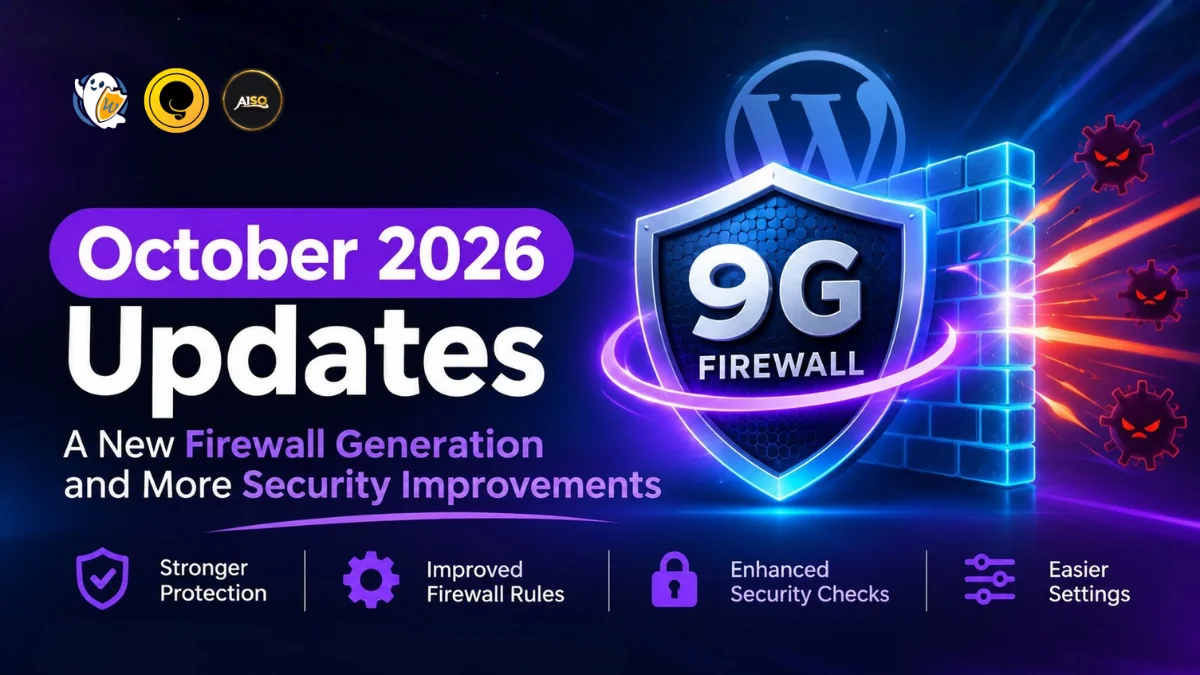
Between June and August 2026, we rolled out several updates for WP Ghost, bringing new security checks, improvements to existing protection features, and fixes that make the plugin work more reliably.
There are quite a few things to cover, so we’ve put together this summer update to help you catch up with everything we’ve been working on.
This article covers WP Ghost updates released between June and August 2026, including improvements to both WP Ghost Premium and WP Ghost Free.
Let’s take a look!
What’s New in WP Ghost Premium?
We’ll start with the Premium updates, which include new tools for checking your site’s security, identifying vulnerabilities, and repairing path-related issues.
UPDATE: WP Ghost 9.0.13
This release introduced several new features to Security Check, along with improvements to Ghost Doctor and the existing repair options.
Here’s what changed:
- New: Vulnerability Scan
WP Ghost flags installed plugins and themes that have published security issues.
This gives you another way to identify potential security problems within your WordPress installation.
- New: Ghost Doctor
Ghost Doctor finds what’s breaking your paths and repairs it in one click.
If something is interfering with your configured paths, Ghost Doctor helps identify the issue and gives you a way to repair it.
- New: Prioritized Security Check
Security Check now opens with one prioritized list of what to fix first.
Instead of having to work through findings without a clear order, you can start with the items WP Ghost has prioritized.
- New: AI Explanations
Get AI explanations written for your own website, server and configuration.
This means the explanations take your actual setup into account rather than providing generic information.
- New: Undo Repairs
You can now use Undo to restore your settings if a repair does not help.
This gives you a way to reverse a change when the suggested fix doesn’t resolve the issue.
- Other Improvements and Fixes
Version 9.0.13 also included several other fixes:
-
Fix it now now works for Security Keys, Table Prefix, wp-config constants, and plugin updates.
-
Security Check runs automatically the first time you open it.
- Last check now shows how long ago the scan ran, not a clock time
-
Change Paths now shows one card after a path change instead of two.
-
Security Tasks no longer displays an empty table when every task has passed.
-
Security Check no longer reports wp-content, the login path, or the admin path as visible on sites that are hiding them correctly.
-
Ghost Doctor no longer reports a failure when Disable REST API Access is enabled.
That’s quite a bit of work packed into one release!
UPDATE: WP Ghost 9.0.12
This release focused on security improvements to Two-Factor Authentication, Passkeys, Temporary Login, and Magic Login.
Here’s what changed:
-
Two-Factor Authentication settings are now bound to the account they belong to. The 2FA method, authenticator, email codes, backup codes, and passkeys can only be managed by the account owner or by an administrator allowed to edit that user.
-
Passkey enrollment is now always self-service, matching the device the passkey is created on.
-
Temporary Login updates and deletions now apply only to temporary accounts, so regular accounts are never affected from this screen.
-
The role assigned to a temporary login is now validated and can never grant more capabilities than the user creating it already has.
-
Magic Login links now require the same permissions as the screen they are offered from.
These changes focus on keeping account-related security settings and temporary access within the permissions intended for them.
UPDATE: WP Ghost 9.0.11
Version 9.0.11 included two fixes related to the WordPress Block Editor.
-
Editing a custom post type that uses the built-in Categories-Tags taxonomy no longer crashes the Block Editor.
-
The Block Editor no longer crashes when Hide User Enumeration is enabled. The users REST endpoint is now hidden from anonymous visitors only, so logged-in Editors and Authors can still edit posts and custom post types.
UPDATE: WP Ghost 9.0.10
This release addressed three issues affecting background logging, Force 2FA Setup, and the settings page navigation.
-
Cloud Activity Log entries are now sent in the background. A slow logging server can no longer delay backend requests, including the Block Editor and other REST calls.
-
Force 2FA Setup no longer redirects custom user roles that cannot access their profile to a setup screen they are unable to open.
-
Settings page navigation keeps its layout on sites where another plugin or theme restricts the allowed HTML tags. The menu now keeps its own classes and attributes regardless of the site’s wp_kses filters.
UPDATE: WP Ghost 9.0.09
- New: Force 2FA Setup
You can now require selected user roles to set up Two-Factor Authentication before they can access the dashboard.
After logging in, users in the selected roles are shown a guided setup screen.
The release also included a fix: WP-CLI commands no longer emit a PHP 8.5 Undefined array key hostname warning.
UPDATE: WP Ghost 9.0.08
Version 9.0.08 addressed two issues involving users who no longer exist.
-
The Temporary Login page no longer triggers a fatal error when opened for a user who has been deleted or whose temporary login has expired.
-
Two-Factor email setup and Magic Login no longer emit PHP warnings when the requested user no longer exists.
UPDATE: WP Ghost 9.0.07
This release brought improvements to Frontend Check, particularly when checking whether your site’s frontend files are loading correctly.
- New: Frontend Check Also Verifies Theme CSS and JS Files
Frontend Check now verifies that the theme’s CSS and JS files load.
This helps catch situations where a page still returns a 200 response but its layout is broken because the required files aren’t loading.
- New: Detecting Files Loaded Through WordPress
WP Ghost can now detect when CSS, JS, and font files load through WordPress instead of the server configuration.
When this happens, it falls back to safe paths and displays a warning on the settings page.
- Improvement: Redesigned the Frontend Check results into clear, uniform rows that stay readable with long URLs
UPDATE: WP Ghost 9.0.06
Version 9.0.06 included two fixes and one security improvement.
-
Fix: Some sites could display a blank page when source code optimization was enabled. The header/tag find and replace is now fail-safe and never blanks the output on a regex error.
-
Fix: Prefetch/speculation rules cleanup now removes the wp-admin and wp-*.php entries without leaving the rules JSON invalid.
-
Security: Fixed an unauthenticated Open Redirect via the redirect_to parameter on the custom logout URL.
That covers the WP Ghost Premium 2026 summer updates.
But Premium wasn’t the only version receiving attention. WP Ghost Free also received important improvements.
What’s New in WP Ghost Free?
UPDATE: WP Ghost Free 7.0.09
The August update focused on AI Security Explanations and improvements to the Security Check and Fix it now features.
One of the main additions is that every finding on the Security Check page can now be explained in plain language, specifically for your website.
Here’s a closer look.
- New: AI Security Explanations for Every Finding
Each finding on the Security Check page now comes with an AI explanation written for your own website.
These explanations also rank your findings by what actually exposes your site, using your server type, your rules, and your security mode.
So the explanations and prioritization take your actual website configuration into account.
- New: A Plain-Language Summary of Your Website
WP Ghost now displays a plain-language summary of your whole website above the list of items to fix.
You can get an overview before going through the individual findings.
- New: Open Details on Any Finding
Want to understand why a particular finding matters?
You can now select Open Details on any finding to read why it matters on your server and what an attacker would do with it.
- Fix: Improvements to Fix it now
Fix it now now works for Security Check tasks that change a plugin setting, including:
-
Hide Old Paths
-
Hide Common Files
-
Hide wp-login
-
Disable XML-RPC
Another issue was also addressed: Fix it no longer responds with the message “Ajax is not loading correctly. Clear all cache and try again.” after the paths have been changed.
- Fix: Security Check Summary
The Security Check summary now shows whether your paths are working instead of always reporting that they have not been checked.
- Update: Security Documentation
This release also included three documentation updates:
-
A coordinated vulnerability disclosure policy, published as SECURITY.md.
-
A list of the third-party components bundled with WP Ghost, published as sbom.json.
-
A declared 5-year security update period.
That’s a Wrap for Summer 2026!
And just like that, another summer is behind us.
Between new security checks, AI explanations, Ghost Doctor, Force 2FA Setup, and all the smaller fixes along the way, we’ve made quite a few changes to WP Ghost over the past few months.
Some updates introduce new ways to check and understand your site’s security. Others focus on making existing features work more reliably and ensuring that account permissions and security settings behave as intended.
We’d love to hear what you think.
Have an idea for WP Ghost? Is there something you’d like us to improve, change, or add?
Share your feedback and ideas, and tell us what you’d like to see on our roadmap. Your suggestions help us understand what matters most to the people using WP Ghost.
[Share your feedback and roadmap ideas →]
Thanks for being part of the WP Ghost community. ❤️