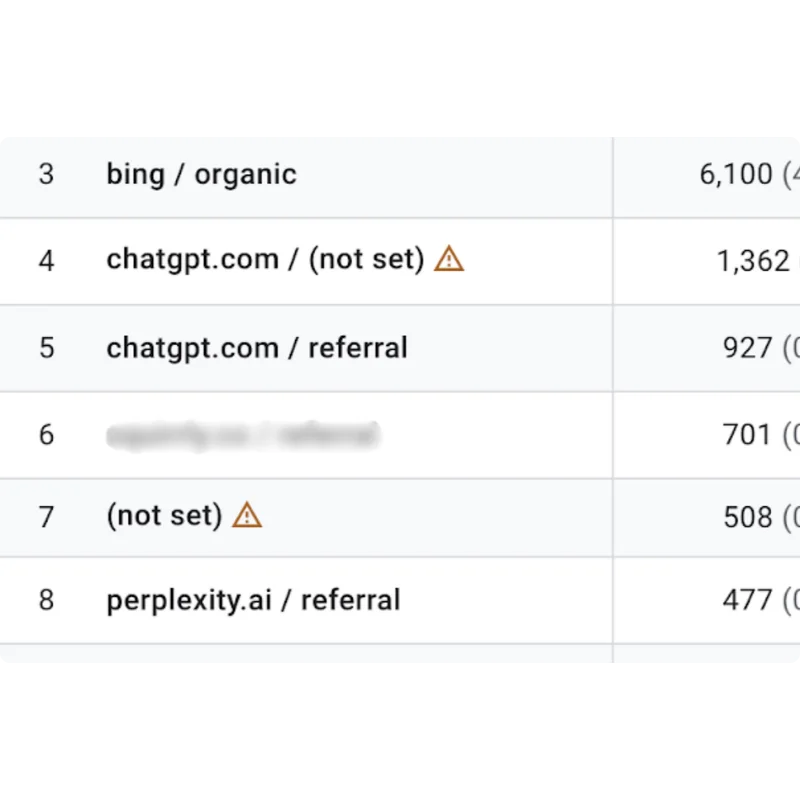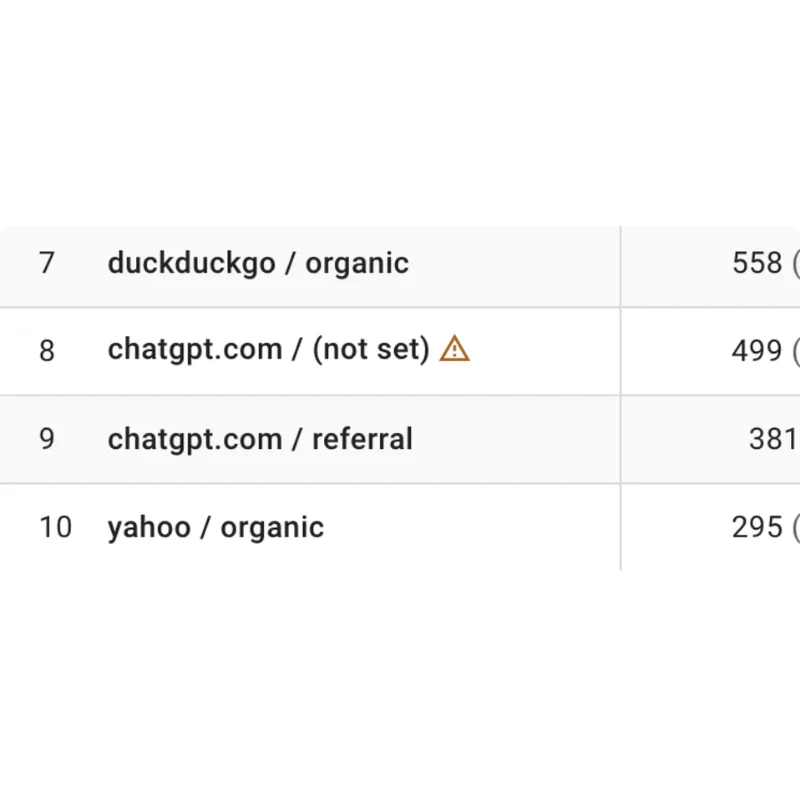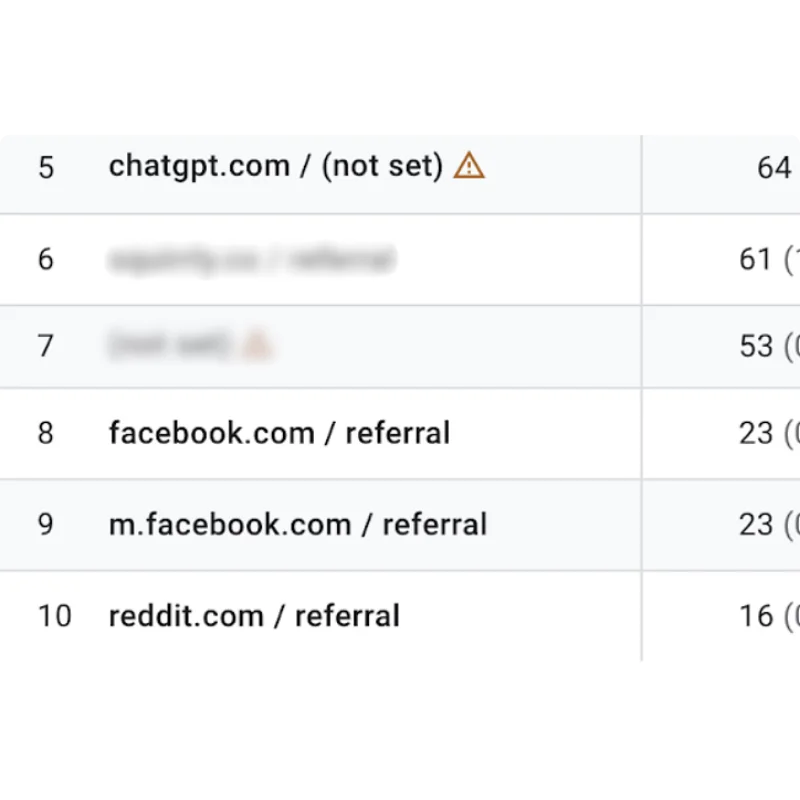
The full list to block via Firewall
Block AI Crawlers Automatically via Firewall + robots.txt
Modern AI crawlers are no longer simple indexers. They aggressively scrape full pages, product databases, blog archives, and media libraries for model training, summaries, and answer engines.
WP Ghost now allows you to:
- Block AI user agents at the firewall level
- Automatically add them to robots.txt
- Stop them before they consume resources
- Protect your content from large-scale harvesting
This combines server-level filtering with search-engine protocol directives for layered protection.
Why You Should Block AI Crawlers
AI bots behave differently from Googlebot:
1. Content Harvesting for Training
They collect entire articles, product descriptions, research, and media without permission.
Example: A 2,000-word guide you wrote gets summarized in an AI answer. The user never visits your site.
2. CTR & Traffic Loss
If an AI engine displays a full summary, comparison table, or product explanation directly in results, your click-through rate drops.
3. CPU & Bandwidth Spikes
AI scrapers often crawl aggressively:
- Parallel requests
- Deep pagination crawling
- Repeated requests across archives
This impacts performance for real users.
4. Intellectual Property Exposure
For photographers, course creators, SaaS owners, and niche publishers, this is data extraction at scale.
How WP Ghost Blocks AI Bots
When you add a User Agent inside:
WP Ghost → Firewall → Blacklist → Block User Agents
WP Ghost will:
1. Block the request at firewall level
2. Add it to robots.txt automatically
3. Log the attempt in Security Threats Log
This works together with Path Security and 7G / 8G Firewall .
Why Firewall Blocking Is Better Than Only robots.txt
robots.txt is voluntary. Malicious scrapers ignore it (eg. AI scrapers for training data).
Firewall blocking:
- Stops request before WordPress loads
- Reduces server load
- Prevents scraping attempts entirely
robots.txt simply signals policy.
Recommended Setup
1. Add all AI bots in Block User Agents
2. Activate 8G Firewall
3. Enable Security Threats Log
4. Monitor blocked attempts
WP Ghost is built for prevention, not cleanup .
Important Consideration
If you rely on AI search visibility (ChatGPT, Perplexity, etc.), blocking them will remove your content from those ecosystems.
If traffic control and IP protection are priorities, blocking is recommended.
However, you should still know that this is possible and that there IS indeed a way to block them. You can choose to only do so on your course, membership site, etc.
One idea is to have the main “marketing site” (the presentation site) available for AI crawling. To help with your marketing and visibility.
And have the secondary site placed on app.domainname dot com.
That way, you get the best of both worlds.
AI scraping is now a default behavior of the web. WP Ghost gives you the choice to allow it — or stop it completely.