People have been sad about PHP issues, AI Agents, AI Websites and WP Shell
I’ve seen many people being afraid of having a WordPress site after all the recent episodes:
- many WordPress sites with the old core of WordPress getting hacked
- doing the update to WP core in order to avoid the hack, but finding out everything breaks after the update, including the WordPress theme .. which you can’t update because the developers went out of business and now your entire store is destroyed
- having to update to PHP 8, only to find out you need more patches and further upgrades.
Yes, these weren’t easy times.
Also: many are now running away because AI sites are so easy to make.
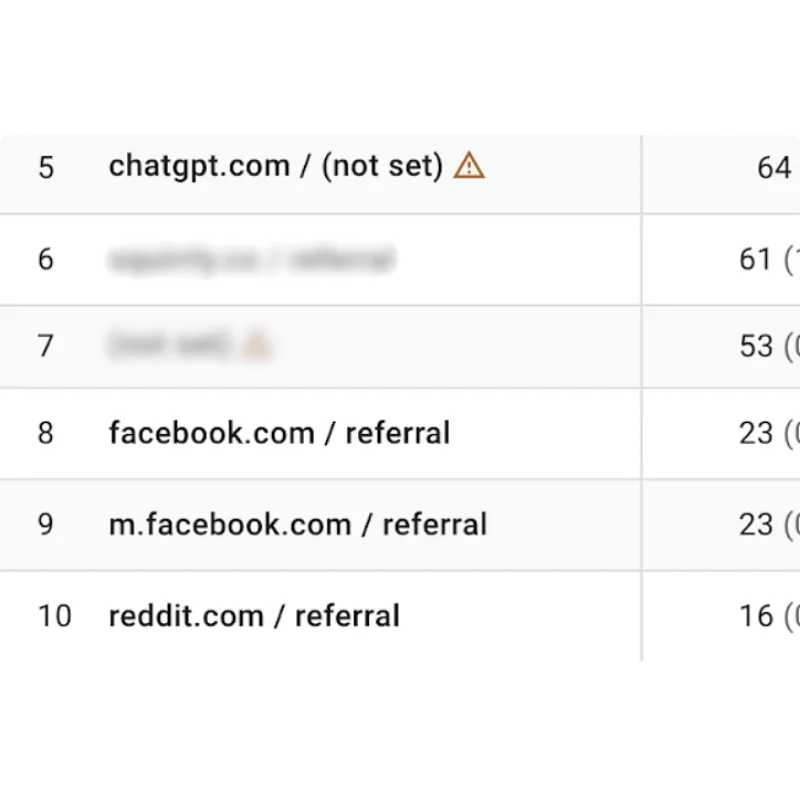
Not only that: you can make them look really good: take a look here at this example. You can’t even tell it was built directly inside the browser, inside the ChatGPT website. Go to the Work section (as opposed to Chat) and tell it to build websites. If you give it some good instructions, you get it built like that.
And then you host it with OpenAI without any other friction or steps. Adding the domain is child’s play. And you have it up and running in a day.
However, WordPress is still the best option for almost anyone on the planet!
- the three things I mentioned above are super easy to solve, and that’s why I’m writing to you today
- the other one with AI sites should be embraced… on WordPress, because both OpenAI’s Codex (or work mode inside ChatGPT) and Claude Code work perfectly well through a browser and they can use your Elementor to design your site how you want it and make it perfect for mobile phones.
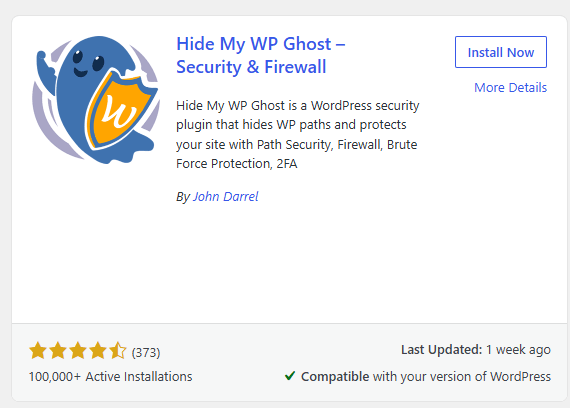
1) Secure Paths and Prevention with WP Ghost (hide my wp)
The free version of WP Ghost will secure your site with hack prevention, hiding the paths that the systems behind WP shell look for, firewall and a lot more.
The paid version is good if you want to show your support for our teams and if you love what we’ve been working on. But you get the most important bits to protect your business directly in the free version
2) Get Your 2FA for the WordPress Site
I’ve personally fixed so many hack attempts for clients using this one, that it’s just incredible some are lagging behind. Please activate it in WP Ghost. It costs nothing at all.
By securing your logins, you protect everything inside the WP admin.
3) Get 2FA on your Cpanel as well
This is what I also recommend for our AISQbusiness clients, who get their hosting for WordPress from us. WP Ghost does wonders, but there are ways to hack directly into the cpanel. Having 2FA there as well resolves many problems. (in my case: all of them, but I don’t want to be an absolutist)
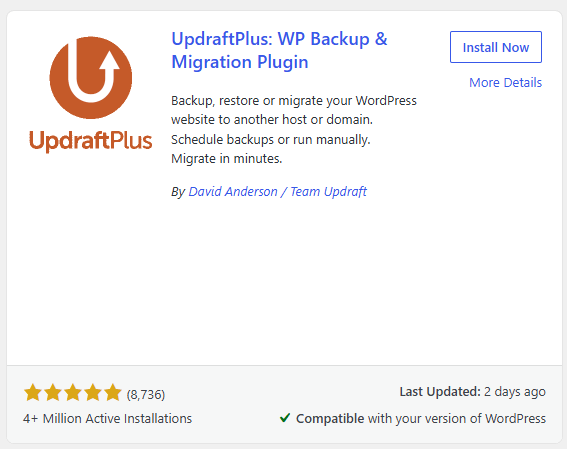
4) Get the free version of UpdraftPlus
Your hosting account has backups.
However, if you are on a host that doesn’t have very good practices for backups and restores (not all hosts keep archives and daily backups), then you can do this.
I also recommend it for other reasons: even if someone takes over your server, you’ll still have YOUR website in a backup on a computer they can’t access.
Keep it on your computer or send the backup to a secure location on the web.
It’s your website. That’s why I love WordPress so much. You have an asset you can actually keep. You’re not “renting” it.
I’ve been using Updraft for so many years and I’ve never had issues with them. And I never paid for anything (except when I needed some cloning and instances done on their cloud services; but never in WordPress).
If you do these 4 steps, you will be safe, and you can still keep using the world’s most advanced and most heavily supported website platform.
Being afraid and running somewhere else might help short-term, but with WordPress you can build things that last for decades (and NO: I’m not joking; I’ve been in this game for 17 years)
Now: about the theme developers that go out of business.
Yes, that one does hurt a lot. But I have a solution for that as well.
It also involves WP Ghost and it’s something you can do with your current version.
I’m showing you below how you can open the AI search function inside WordPress, so you can search for anything related to WP Ghost and read it without leaving WordPress.
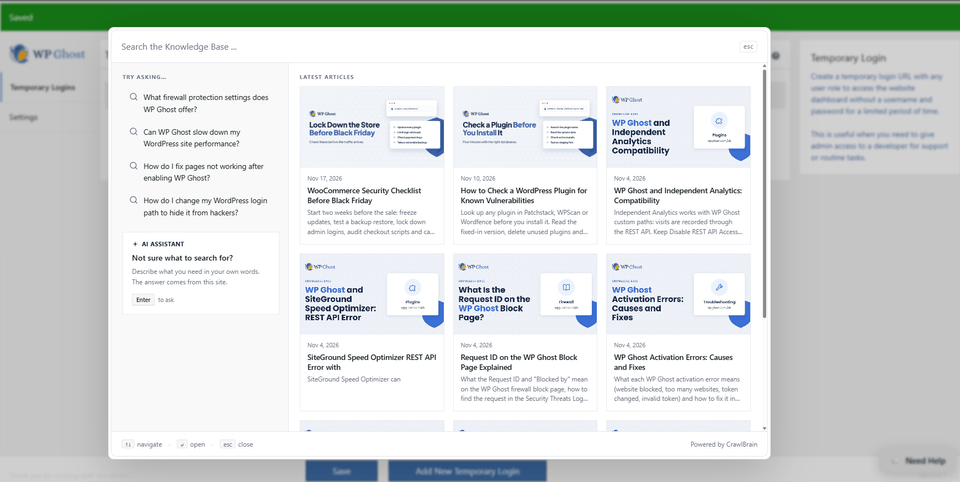
Below, you can see where to go to create a temporary login link.
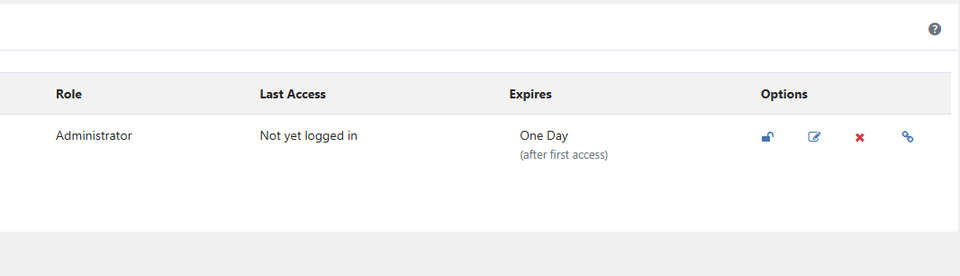
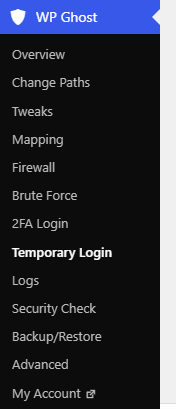
Give the link to ChatGPT (in work mode) and tell it to change the design of your website.
That way, you don’t even have to pay for a new WordPress theme.
How I usually do it: I get the free Hello theme from Elementor. I install Elementor. I tell ChatGPT the theme or the template I want it to make my site look like.
And it gets to work on its own.
I’ve recently saved 4 WooCommerce sites and 9 presentation sites with this method.
And by doing this, you’ll have no fear related to themes in the future.
I genuinely hope that my notes today help you see how you can keep using WordPress safely and what you can do to still benefit from the world’s best website platform in the future.
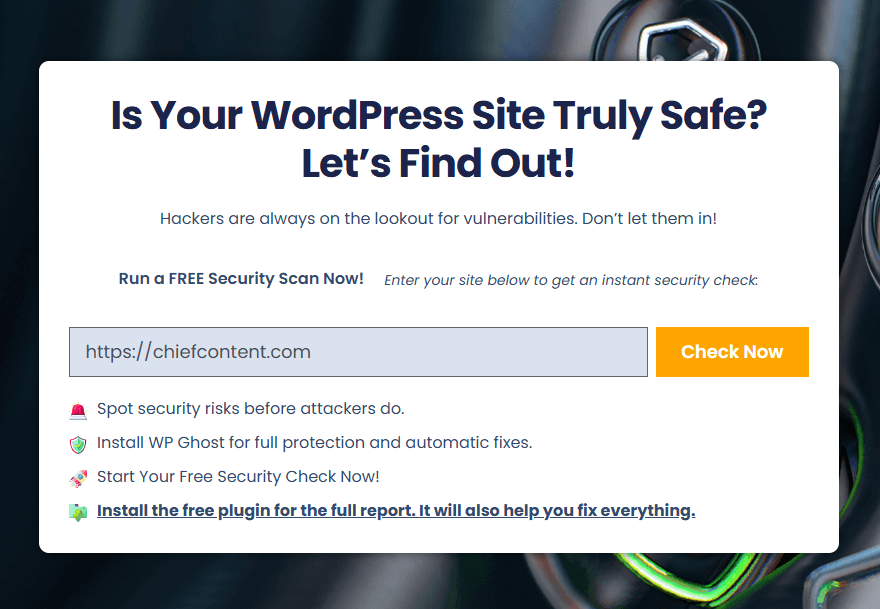
Go here to get your scan and find out if your WP is all good.
Scroll all the way down to the bottom of the article to find the scan box and begin.