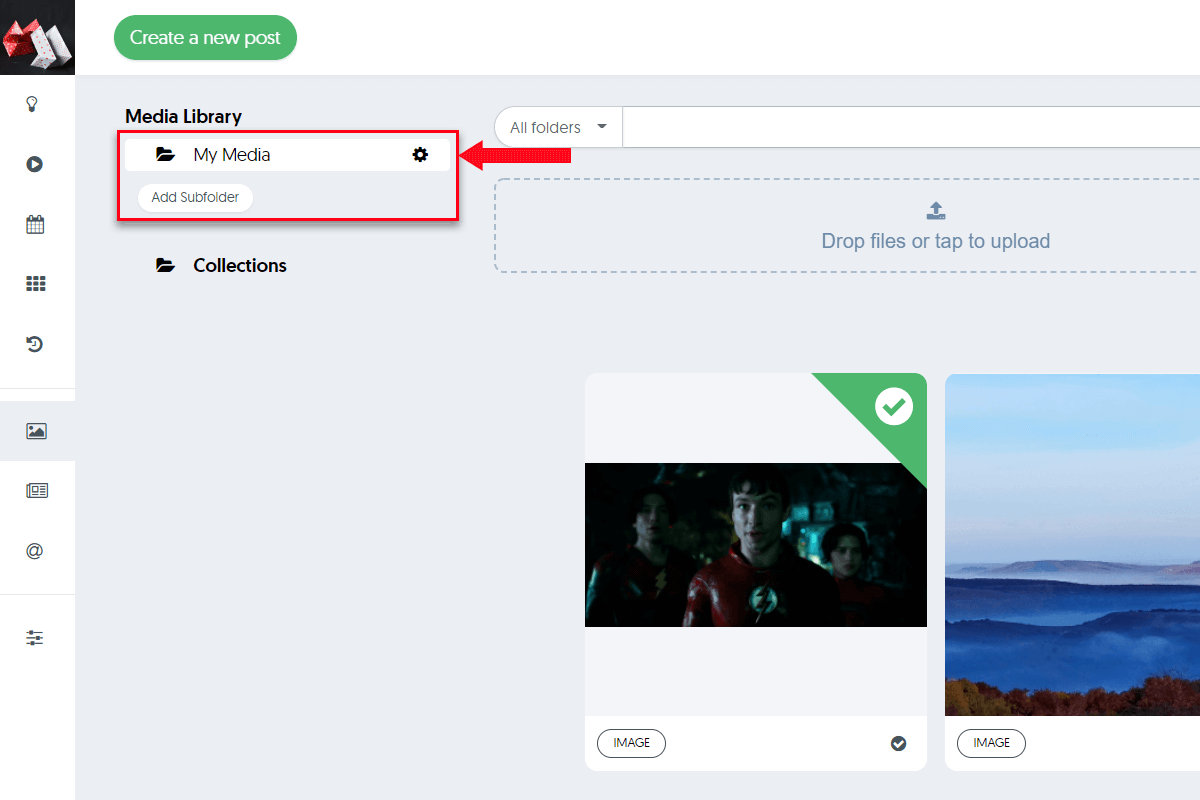
Click on the Media Tab from the left menu, then click on the Add Subfolder button to create a new one.
You choose how you want to organize your media folders. For example, you can have a folder for your logos and a separate folder for each one of your social media campaigns.
Before you leave
Future of AEO GEO and AI Search!
Free Now. Free Forever.
Trusted by 139,000+ students who've learned from AISQ Growth